






A few things I’d check first
Start with a paper poster for framed wall art. Signage products such as corflute and adhesive posters serve a different purpose. Standard A-series paper may not match your artwork’s proportions.
Let’s work through your order
Find paper poster printing
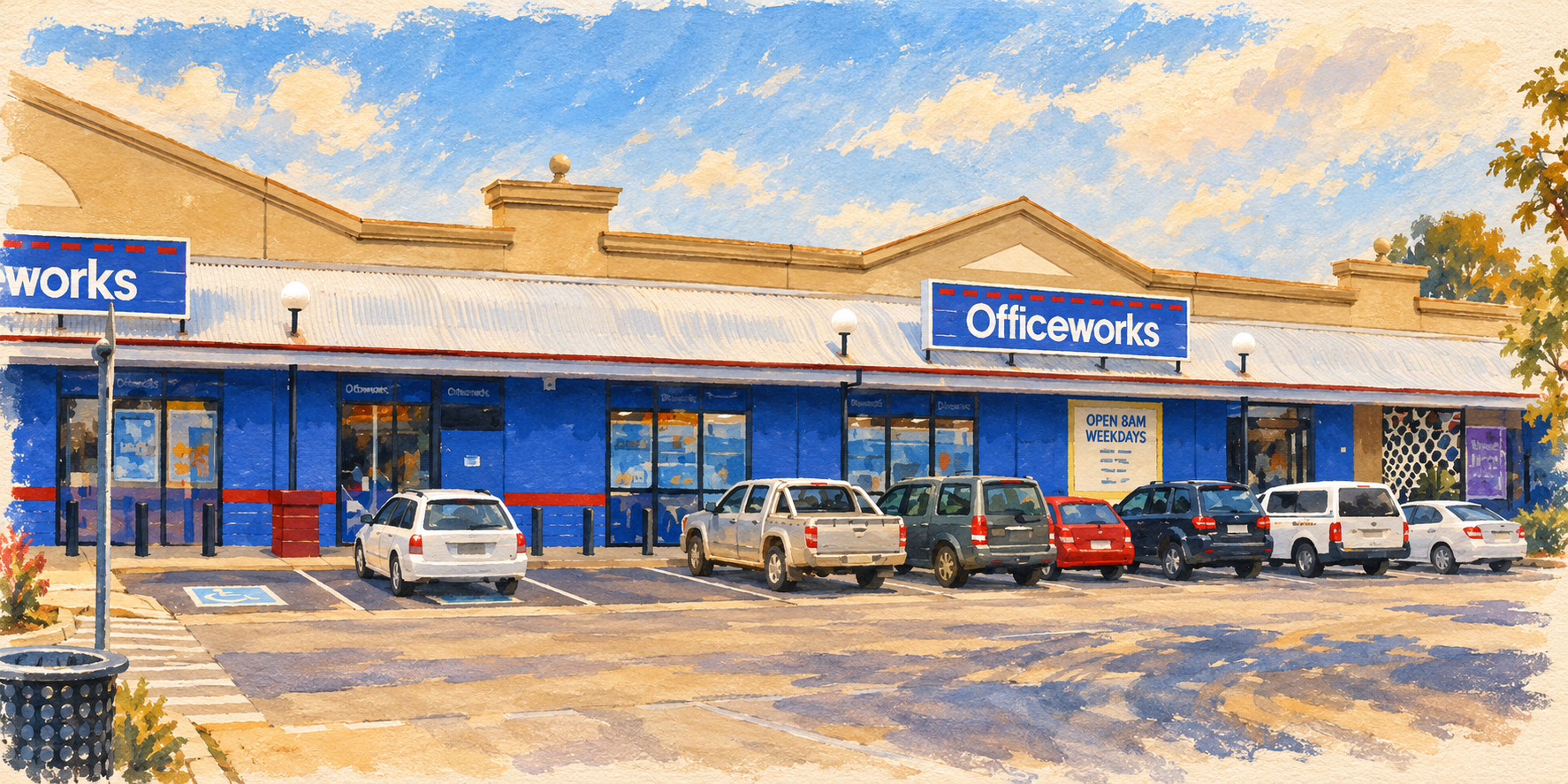
Let’s start in Officeworks Print & Copy, then Poster Printing. Compare the available paper finishes and select the paper-poster product you want.
Choose the finished size
Measure the visible opening of your frame first. Select the paper size, orientation and finish. Allow a white border if the image and paper have different proportions. The frame is rarely persuaded by “close enough”.
Upload the purchased artwork
Use the image from My downloads, not the gallery preview, room mockup or certificate. Follow the file requirements shown for that product.
Inspect the complete image
Review the upload preview. Check all four edges and my signature. If the layout crops the image, change the fit or ask staff to print it with borders.
Choose collection or delivery
Enter the relevant store or delivery postcode. Check the available completion estimate, quantity and full price before submitting payment.
Keep the confirmation
Save the order number. For collection, follow the ready-to-collect notification rather than assuming the file upload means the print is ready.
You may use a professional printer or a private one-off print-on-demand order for display allowed by your digital licence. Keep the file private. Decline promotional sharing of the artwork; if a provider requests rights beyond producing your print, check with Robin before uploading. Do not publish it to a shop, resell prints or turn it into merchandise.
Official instructions
Provider pages checked 12 October 2026. Buttons, prices and availability can change; use the provider’s current details before paying.