If you’re leaning towards canvas, let’s give the artwork room to wrap without losing anything that matters. This photo-printing service has a visual online editor and canvas options for your own wall.
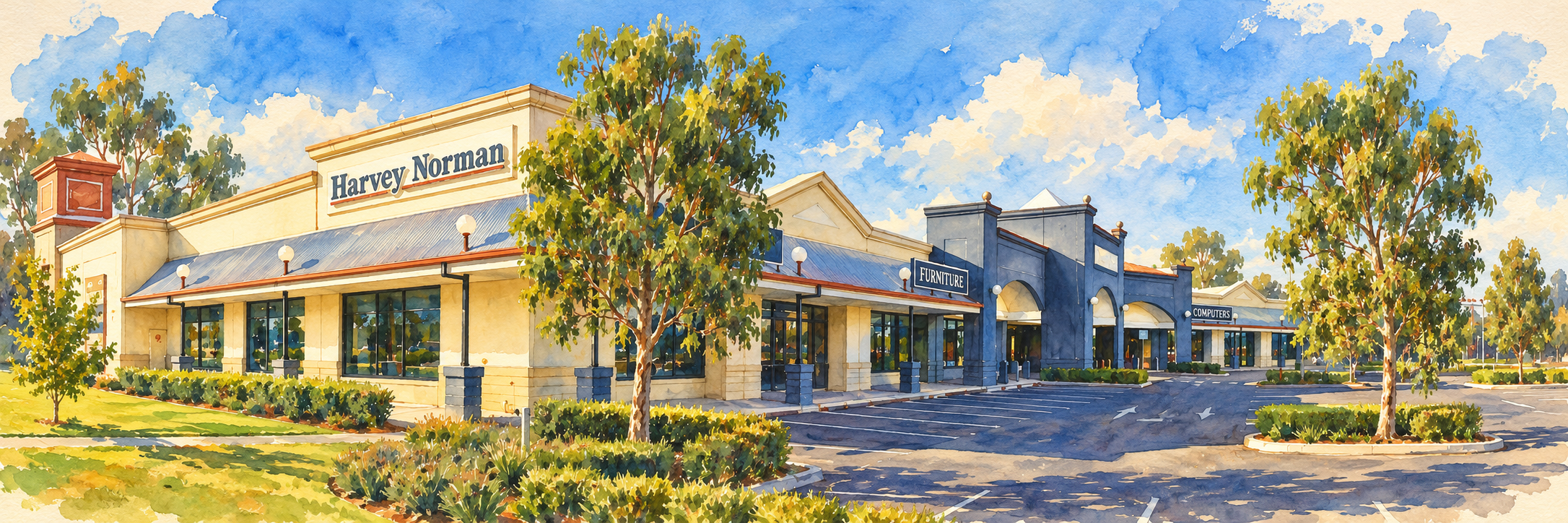
AI-assisted painted interpretation of the Wagga Wagga branch, based on Bidgee’s 2008 photograph. An illustration, not a current photograph or confirmation of PhotoCentre services. Source photograph ↗ (opens a new tab) by Bidgee ↗ (opens a new tab) · CC BY 3.0 ↗ (opens a new tab). Adapted with AI-assisted painting effects for Dream Art Gallery. The adaptation is offered under the linked Creative Commons licence.
A few things I’d check first
A wrapped canvas uses part of the picture around its sides. Keep the signature and important details on the front; a standard artwork file may need a specially prepared border or extension.
Let’s work through your order
Choose the canvas style and size
Let’s open the canvas collection and compare the offered proportions. Measure your wall and choose orientation before beginning the design.
Add your downloaded image
Upload the purchased image from your computer. Retain the original file so you can start again if the editor changes its crop.
Check the wrap guides
The editor’s red border marks the area that wraps around the frame. Keep the main composition and signature inside the front-facing area.
Take quality warnings seriously
A yellow exclamation mark or red cross indicates a resolution concern. Choose a smaller print or ask me to check your file before paying.
Review the whole design
Inspect every edge in the preview. If the signature moves onto the side, pause and request an appropriate canvas version rather than trimming it away. My signature needn’t take the scenic route around the side.
Review delivery and pay
Check the quantity, collection or delivery choice, expected timing and total. Save the confirmation and contact PhotoCentre about the physical print order.
You may use a professional printer or a private one-off print-on-demand order for display allowed by your digital licence. Keep the file private. Decline promotional sharing of the artwork; if a provider requests rights beyond producing your print, check with Robin before uploading. Do not publish it to a shop, resell prints or turn it into merchandise.
Official instructions
Provider pages checked 12 October 2026. Buttons, prices and availability can change; use the provider’s current details before paying.